Domain Authority (DA)
Determine the effectiveness of your link-building efforts by measuring the “trust” factor of your domain.
Track all your SEO KPIs in one place
Sign up for free and start making decisions for your business with confidence.
What is Domain Authority?
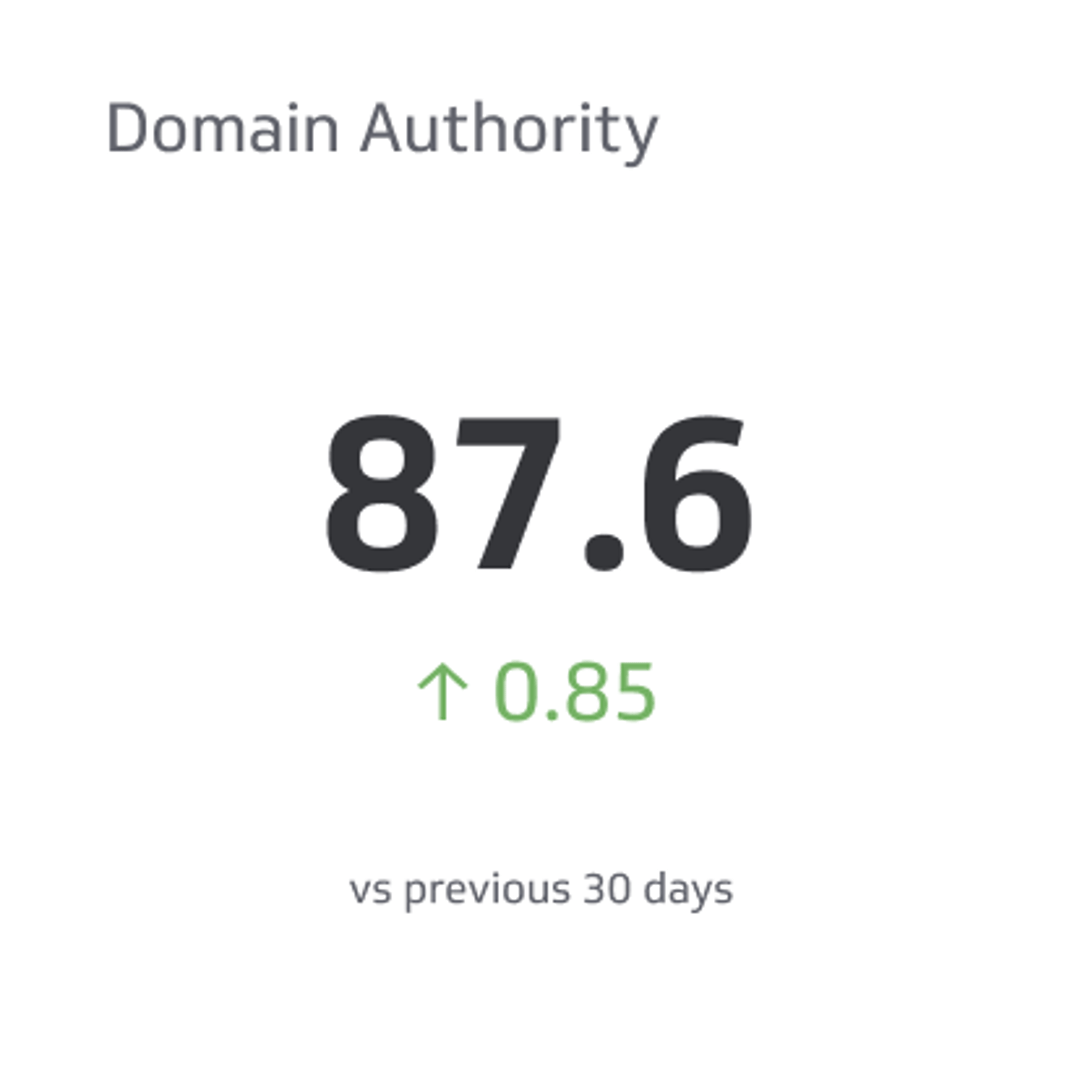
Domain Authority (DA) is a search engine ranking score developed by Moz, a popular SEO software company. It predicts how well a website will rank on search engine results pages (SERPs). DA scores range from 1 to 100, with higher scores corresponding to a greater likelihood of ranking well in search results.
Domain Authority is influenced by the number of links to your domain and the authority of those ranks. For example, websites with a .edu domain typically carry more authority than a .com or .net domain. Analyzing your "backlink" profile (and that of your competitors) can illustrate ways to increase the amount of trust search engines place in your domain, thereby improving your SEO traffic.
Domain Authority Benchmark
Tom Roberts, CEO & Head of Digital Marketing, shared that "Domain authority, while a very useful SEO metric, can be difficult to benchmark. Not only do I (quite frequently) see sites with a lower DA than their competitors rank higher, but averages can also be skewed by self-hosted web 2.0's like WordPress blogs that have DAs of 100.
Another common benchmark people look for is what should be the minimum DA score for a blog to consider guest posting on it. You could say, as a general rule, that you should look at potential prospects with a DA of >30, but again this can be very situational. A blog with a lower DA score might have a highly engaged community and/or social share campaign. Conversely, a blog with a higher DA than that might just be a glorified link farm with little to no relevance to your industry and happily gives site-wide links to casinos, viagra pills, and so on."
Domain Authority Challenges
Unlike other SEO metrics, Domain Authority is difficult to influence directly. It is made up of an aggregate of metrics (MozRank,MozTrust, link profile, and more) that each has an impact on this score. This was done intentionally; this metric is meant to approximate how competitive a given site is on Google.com. Since Google takes a lot of factors into account, a metric that tries to calculate it must incorporate a lot of factors, as well.
Domain Authority Best Practices
Domain Authority is a unique SEO metric because it is made up of a number of metrics. Rohit Palit from Search Engine Journal shares a helpful infographic by TechTage blog to guide marketers through increasing Domain Authority. Here are some more expert tips to stay on top of your Domain Authority:
- At the basic level, the most important things to do to improve domain authority are: 1) get rid of bad links and 2) gain good links, according to QuickSprout
How to gain good links:
- Engage the services of an SEO agency that has relationships with websites and writers who can secure high-quality legitimate backlinks. This is a good option, but it is expensive and has risks.
- Create a site with high-value information that elicits links by virtue of its awesomeness. That, my friends, is content marketing.
- The best way to influence this metric is to improve your overall SEO. In particular, you should focus on your link profile—which influences MozRank and MozTrust—by getting more links from other well-linked-to pages.
How to Monitor Domain Authority in Real-time
The Domain Authority metric should be coupled with related web metrics and link-building metrics to provide a complete view of your digital marketing performance on an SEO dashboard.
Learn more about how to track your Domain Authority on a Web Analytics Dashboard and Adwords Campaign Dashboard.
Domain Authority Top Resources
What is Domain Authority?, Moz
5 Practical Steps to Improving Your Website’s Domain Authority, Quick Sprout
Why Domain Authority is most Important for SEO?, Sabuj Kundu
The Authority on Domain Authority, Craig Boyle
Related Metrics & KPIs